Mailbites · Issue 28
Dark mode is quietly breaking your emails
The same email renders three different ways. Your test send only shows you one of them.
Anil Kumar
Founder & Principal Advisor
In today's Mailbites, we talk about dark mode, and how the email you proudly approved this morning might be arriving broken for a big chunk of your list without you ever seeing it. The good news: it's one of the most fixable problems in email, and one of the fixes takes about five minutes.
Now, onto today's story.
The Story
For years, the test send was sacred. You'd build a campaign, email a copy to yourself, glance at it on your phone, and if it looked good, you hit send with a clear conscience. What you saw was, near enough, what everyone saw.
Dark mode quietly turned that test send into a half-truth.
The catch is that there's no single, agreed way email clients handle dark mode. The same email can render three completely different ways depending on where it lands, and your own inbox only ever shows you one of them.
Some clients leave your email exactly as you built it; Gmail on the web darkens its own interface but doesn't touch your content. Others take the middle path, darkening the background while trying to leave your text and images alone, which is roughly what Gmail's mobile app and Outlook.com do. And a third group aggressively inverts everything, backgrounds, text, even images, which is how Apple Mail on iPhone and Mac, plus Outlook on mobile, behave by default. Since Apple Mail alone makes up close to half of all opens, that most destructive version is hitting a serious share of your list.
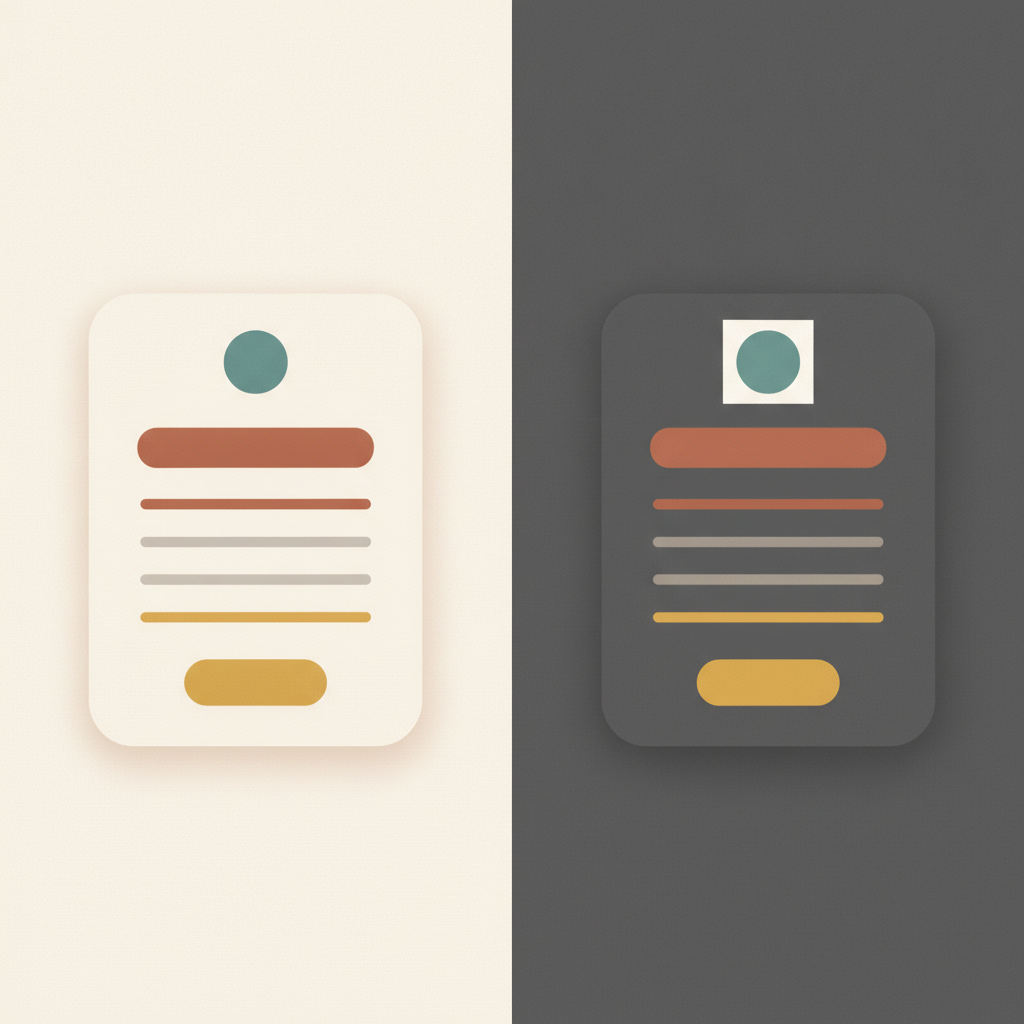
The logo is usually the first casualty. That crisp logo saved as a PNG with a white background looks perfect on your white email, but drop it onto an inverted near-black background and it either vanishes or floats inside an ugly white box. It's the single most common dark mode complaint, and it makes a polished brand look careless.
Pure black and pure white are fragile too. Clients invert those extremes harshly, so the soft layout you pictured can arrive as glaring white text on stark black. Your brand colors rarely survive the flip cleanly either: that deep, considered navy header can come back as an electric baby blue, muddy and off-brand, and nobody signed off on the version that actually landed.
Buttons are the quiet killer. A pale button with light text reads beautifully on a light background, but invert the scene and you can end up with light text on a now-light button: an invisible call to action. And an invisible button is just a dead click, money left on the table by a problem you couldn't see.

Here's the part that makes it sneaky: none of this shows up in your test send, because you only ever see the rendering your own phone produces. So you approve an email that looks immaculate to you and ships mangled to half the people you sent it to. That gap, between "looks great to me" and "looks great to them," is exactly where dark mode lives.
The reassuring bit is that fixing it isn't a redesign or a pile of fragile CSS hacks. Dark mode rewards restraint: the simpler and more flexible your email, the better it shrugs off whatever a client throws at it. Four habits cover almost all of it.
Start with the logo, the biggest win for the least effort. Swap any white-background logo for a transparent PNG, ideally with a little padding or a thin light outline so it reads on any background. Five minutes, and your most common complaint is gone for good.
Retire pure black and pure white. Use a soft off-black for text and an off-white for backgrounds, so when a client does invert your colors, it does so gently. And lean on whitespace instead of big blocks of color, since hardcoded background panels are among the first things dark mode clients override, often badly.
Give every button a fighting chance. Choose button and text colors that stay legible even if they flip, since the button is the piece that actually costs you when it disappears.
And retire the single test send. Before a real campaign, view it with dark mode on across the clients that matter, Gmail on web and app, Apple Mail on iPhone and Mac, Outlook on desktop and mobile, or run it through a preview tool that shows all three behaviors at once. One warning while you're there: Outlook on Windows often ignores your dark mode styling and force-inverts anyway, so design defensively rather than trusting code to rescue you.
You can't control how every inbox decides to repaint your email. You can only build one steady enough that it doesn't matter, and then go look where your own inbox refuses to.
Until Friday,
Ani